More Than 30 Years of Innovation for Class-A and Design

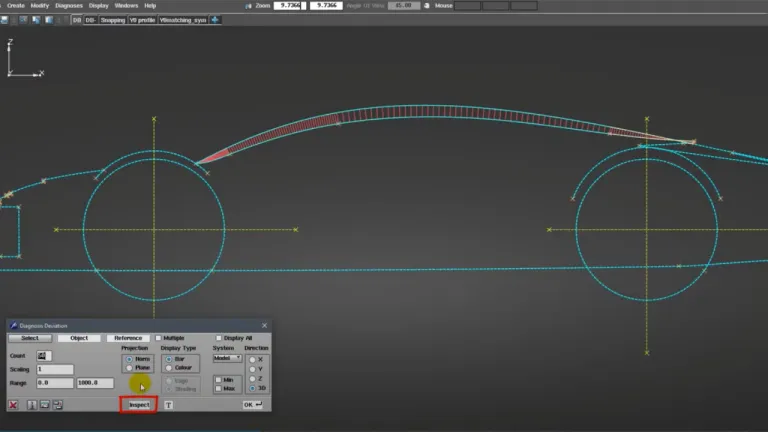
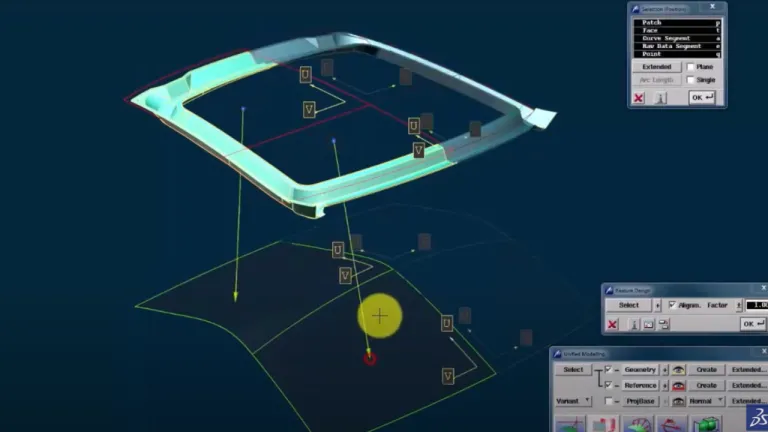
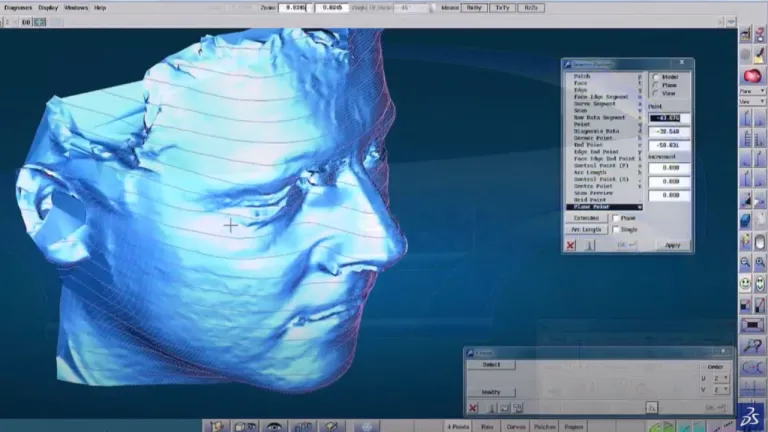
ICEM Surf is the industry leading Curve and Surface explicit geometry modeling tool for defining, analyzing and performing high-end visualization of complex free-form shape CAD surface models to the highest quality. Used in product design processes throughout automotive, aerospace, consumer goods and press-tool design industries, providing solutions for direct surface modeling, refinement, reconstruction and scan modelling. Advanced tools such as Global modelling and industry defined analysis tools enable designers to detect subtle surface problems and check for compliances with regulations, whilst simultaneously performing high precision surfacing and experiencing real-time 3D visualization.

Key Benefits

  • Use the Industry Standard tool for Class-A surface modeling. For more than 30 years, ICEM Surf is seen as the best-in-class software for advanced surface modeling and Class A surfaces in many industries.
  • Reach a high-performance level for Curve and Surface modeling. ICEM Surf brings a wide range of advanced surfacing tools to design and manipulate all the shapes, curves and surfaces of your models with accurate and high-precise results.
  • Achieve high-quality Class A surfaces. ICEM Surf offers real-time visualization, surface analysis and quality control capabilities to meet the highest level of quality for your Class A surfaces. Tutorials and our user community will help you to take your designs to the next level.
  • Take advantage of an integrated design workflow. ICEM Surf lets you combine with other CAD systems such as CATIA, 3DEXPERIENCE solutions or DELTAGEN, and collaborate with other people to work together in a unified, integrated design workflow.

Connectivity

ICEM Surf Direct Interfaces to communicate with other systems:

  • CATIA & 3DEXPERIENCE. Used as the default and native database of ICEM Surf, the ICEMDB file format, used for the daily part definition and data storage of a designer's work, supporting seamless data exchange between both CATIA or 3DEXPERIENCE platform solutions.
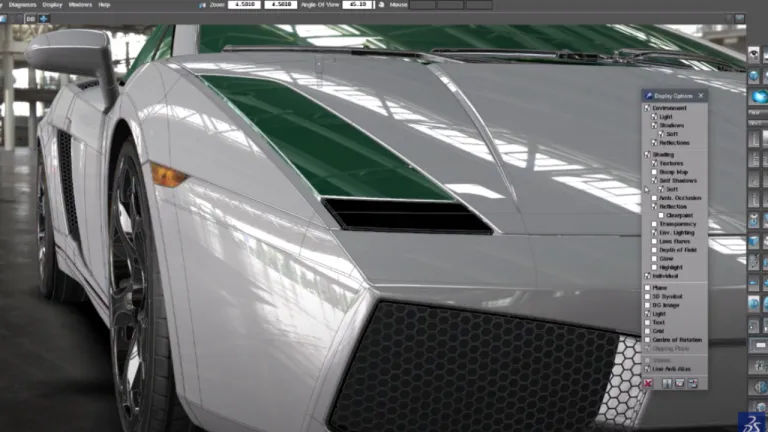
  • 3DEXCITE DELTAGEN*. For those demanding more advanced visualization and realism, included within our ICEM Surf Realtime Rendering add-on module and the DELTAGEN DII module is the capability to directly integrate with Dassault Systemes 3DEXCITE DELTAGEN world’s leading high-performance real-time visualization software.
  • Siemens NX*. This interface enables direct data exchange between ICEM Surf and Siemens NX.
  • ICEM Surf PLM-Link*. An open and flexible toolkit designed to integrate ICEM Surf into a variety of PLM systems currently available in the marketplace.

*requires additional license

ICEM Surf Modules

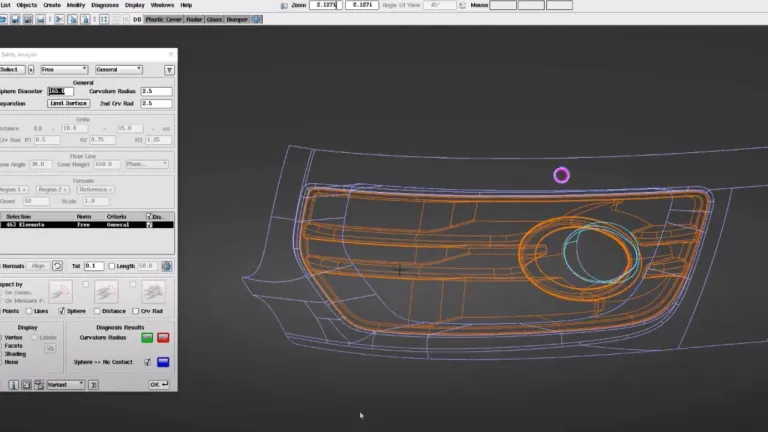
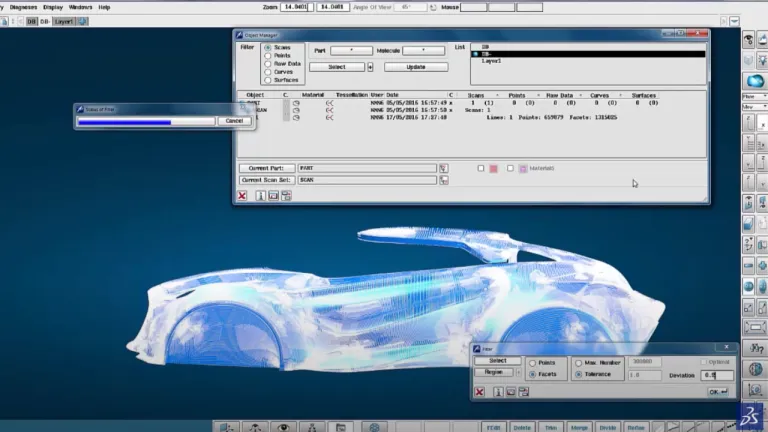
"Class A" at its best Accelerated surface creation with specialized analyzing tools, safety analyzes and reverse engineering functions

ICEM Surf Professional

Define complex free-form shapes with Class A quality

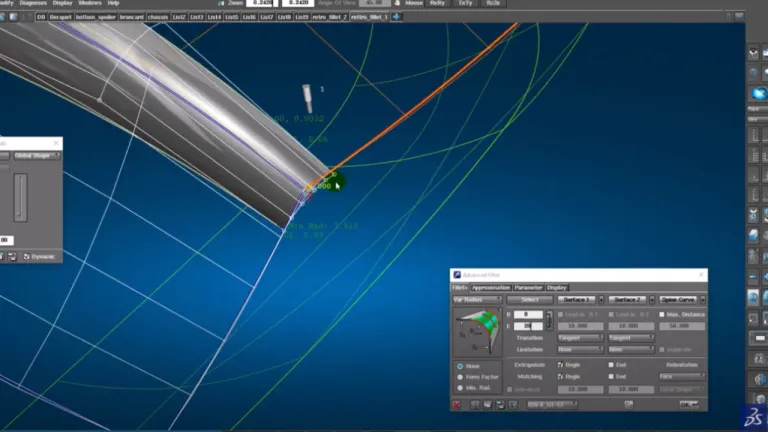
Thanks to the powerful and industry leading Curve and Surface modeling tools, designers have the full freedom to create high quality Class A surface geometry within intuitive and ergonomically optimized user interface supporting the need for rapid and efficient interactions during geometry creation and modifications. Advanced modification tools such as Control Point manipulation & Matching provide the capabilities and techniques that enable the user to control the shape of the design to within a micron of accuracy in order to achieve the desired aesthetical Class A quality, whilst at the same time, Real time dynamic diagnostic tools offer both numerical and graphical, provide the designer the necessary checks to ensure the desired quality is achieved in meeting aesthetical, engineering and often legislative requirements. In addition, advanced structured data management tools are provided to manage variants in support of design review processes.

Join the conversation in the CATIA Creative Design & Styling User Community!

ISD Mtching Constraints not visible in IDX 2026X

If I create a Matching Constraint in ISD then switch to IDX, the Display of match label disappears. Even if I turn on Conditions in IDX.ISD: match label is there.In IDX - Conditions On - gone - it is still active and working - just cant see the match state unless I double click and edit the match constraint.

CATIA CREATIVE DESIGN & STYLING - USER COMMUNITY

InfoColor in IDX 2026X-FD03 - Color search with Ctrl+F doesn't work

I am using InfoColor in IDX 2026X-FD03 and if I attempt to search by color using Ctrl+F - then select colour from element is choses the base RGB colour - this means the InfoColor palette is not in sync with standard Object Properties.Is it the intention to add this functionality so we can search by InfoColor? I don't want to have to keep selecting first assigning a Role then picking content etc.

CATIA CREATIVE DESIGN & STYLING - USER COMMUNITY

OmniMatch - add Object and Reference buttons

I find selection in OmniMatch very poor compared to ISD, ICEM Surf and Alias, especially if I have to match several surfaces into the same target surface. Nearly all the functions, like OmniCut, OmniFillet etc, have separate buttons, so why have they been left out from OmniMatch where they are so important.With Edge to Edge matching I can use Ctrl+trace select, but internal matching below you have

CATIA CREATIVE DESIGN & STYLING - USER COMMUNITY

FAQ About Advanced Surfacing Models Software

Also Discover

Learn What CATIA Can Do for You

Speak with a CATIA expert to learn how our solutions enable seamless collaboration and sustainable innovation at organizations of every size.

Get Started

Courses and classes are available for students, academia, professionals and companies. Find the right CATIA training for you. 

Get Help

Find information on software & hardware certification, software downloads, user documentation, support contact and services offering