What is Scilab ?

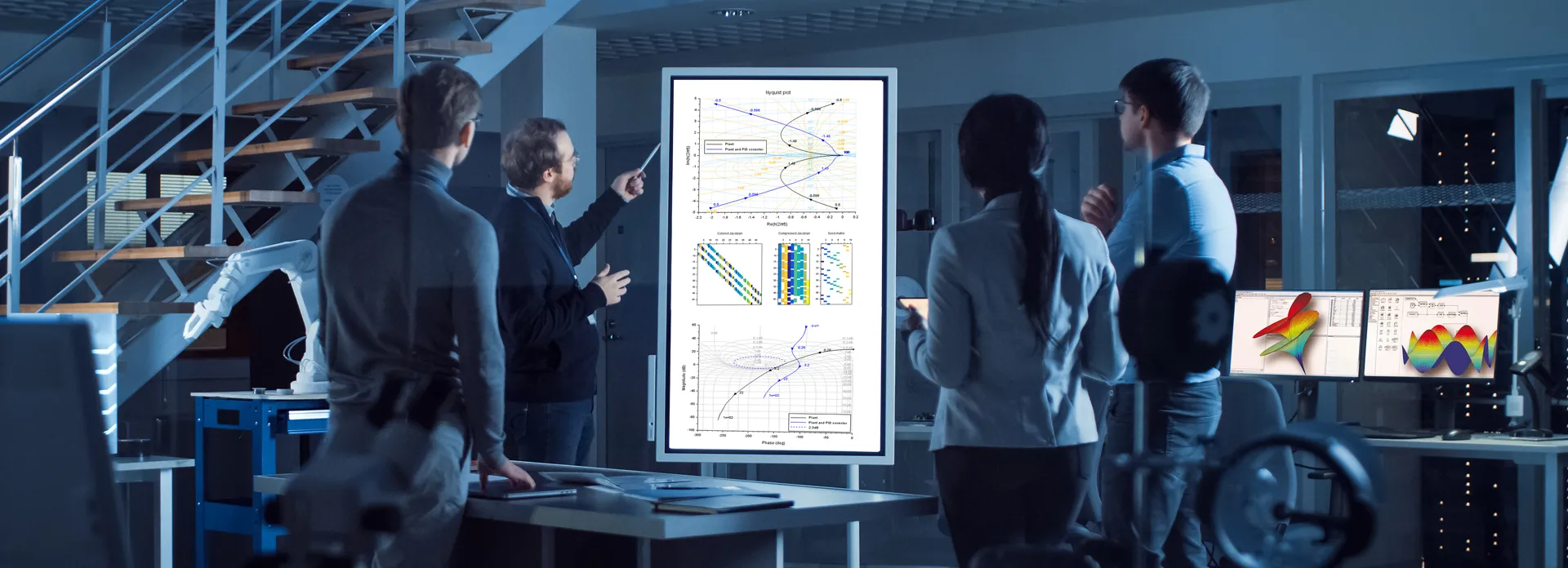
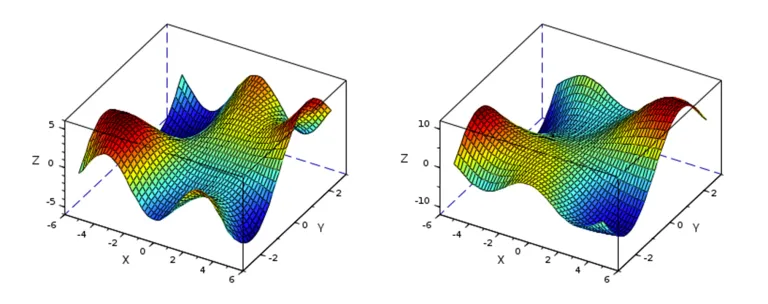
Scilab is a free, open-source and cross-platform numerical computation software. It includes a high-level, numerically oriented programming language, an efficient computation engine, an integrated development environment, as well as 2D and 3D visualization capabilities.

Scilab can be used for signal processing, statistical analysis, numerical optimization, and modeling, simulation of explicit and implicit dynamical systems. Scilab capabilities can be extended using a toolbox mechanism such as image processing, data analysis dynamic, fluid simulation.

Numerical Computation

Scilab provides about 1,700 mathematical functions for engineering and science applications. It includes mathematical operations and data analysis such as interpolation and regression, differentiation and integration, linear systems of equations, Fourier analysis, ordinary differential equations (ODEs), matrix computation (determination of eigenvalues and singular values, and many more.

Scilab also includes statistics capabilities such as descriptive statistics, probability distributions, linear and non-linear modeling, machine learning, and classification.

Scilab for Optimization

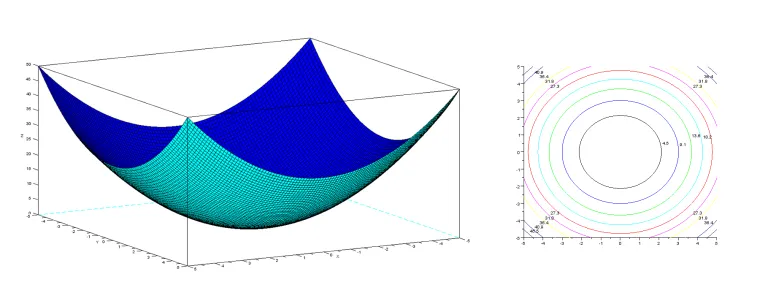
Scilab provides various functions for optimization and can solve many kinds of optimization problems, without or with constraints, needing derivatives or not. Capabilities include simulated annealing, cenetic algorithms, Neldermead, non-linear least squares, simplex, semi definite programming, linear quadratic programming.

If you want to know more about optimization in Scilab, please visit tutorials. Optimization capabilities can be enriched using ATOMS toolboxes.

ATOMS

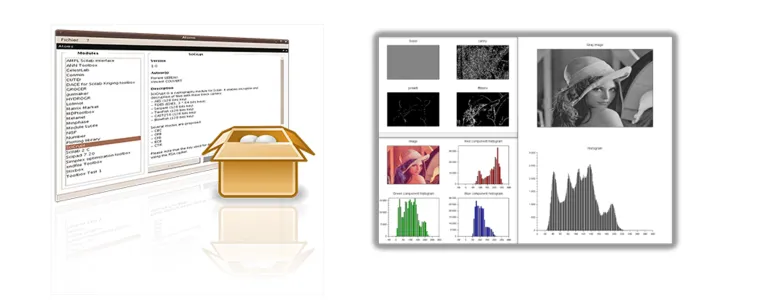
Automatic Toolbox Management for Scilab (ATOMS) is a Client/Server tool enabling Scilab users to enrich its capabilities. It supports public and private toolboxes and dependencies management. 

Private ATOMS servers can be deployed on your network, for instance to do image processing, optimization, machine learning, data analysis, and management of Xcos library.

3DEXPERIENCE Connector

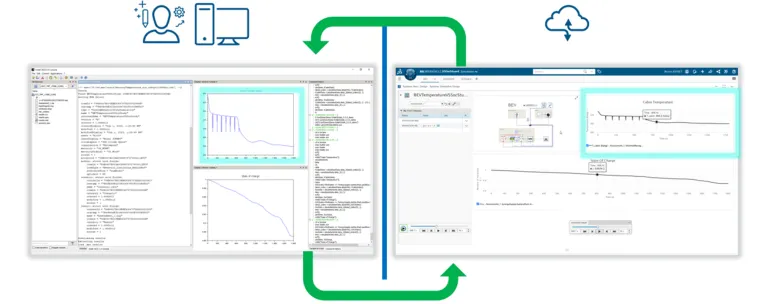
Data generated by simulations can be pulled from 3DEXPERIENCE platform within Scilab. Thanks to Scilab capabilities, users can now post-process those data:

  • Statistics analysis can be performed using standard mathematical functions
  • Data fitting based on linear and non-linear regression algorithms
  • Classification and Optimization

The data set can be returned to the 3DEXPERIENCE Platform.

Start Your Journey

Join the conversation in the CATIA MBSE Cyber System User Community!

S2X Conference - 3. November 2026 in Hamburg, wir sind dabei!

Wir sind in diesem Jahr auf der S2X vertreten und bringen ein echtes Highlight für alle Systemingenieure mit.Die SysML V2 steht in den Startlöchern und wird die Systemmodellierung nachhaltig verändern. Aber wie sieht die methodische Umsetzung in der Praxis aus?Genau diese Frage beantwortet Aurelijus Morkevicius in seinem Vortrag:„Best Practices in Developing Methodologies for SysML V2“! Er teilt w

CATIA MBSE CYBER SYSTEMS
Upcoming Event: TdSE-2026 in Dortmund, 17-20th, November

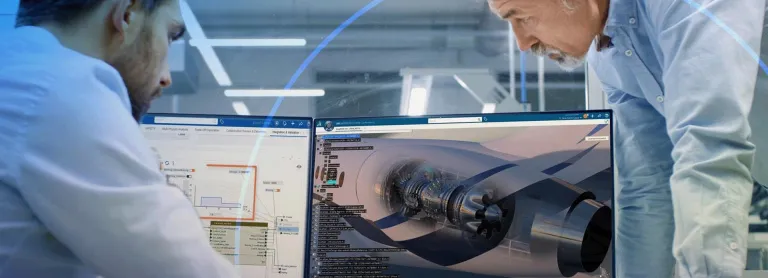
We are pleased to share that our CATIA experts will participate in TdSE 2026 – Tag des Systems Engineering, the premier Systems Engineering conference in Dortmund. When: November, 17-20, 2026 Where: Dortmund, Germany Booth: Nr. 14Organized by GfSE (the German chapter of INCOSE), TdSE is a central meeting point for experts, practitioners, decision-makers, and researchers across industries to

CATIA MBSE CYBER SYSTEMS

CATIA Magic Project Launcher from Command Line with TWC login and Project Load

@AK just posted great walkthrough of a small tool I built for anyone who logs into Teamwork Cloud a lot: one command opens Cameo, logs into TWC, and loads the project. No manual steps needed. Under the hood it's just a small plugin that stays inert until it sees those settings passed in, plus a launcher that supplies them the right way (MagicDraw's .exe otherwise ignores anything that isn't a file

CATIA MBSE CYBER SYSTEMS

Teamwork Cloud 2022x to 2026x and Project Migration

Can we migrate Teamwork Cloud directly from 2022x to 2026x or 2026x Refresh 1?A question that keeps coming up is:Can we migrate Teamwork Cloud directly from 2022x to 2026x or 2026x Refresh 1, or do we first have to migrate through 2024x?The short answer is:Yes. Teamwork Cloud and Magic Collaboration Studio can be migrated directly from 2022x to 2026x or 2026x Refresh 1.There is no general requirem

CATIA MBSE CYBER SYSTEMS

Also Discover

Learn What CATIA Can Do for You

Speak with a CATIA expert to learn how our solutions enable seamless collaboration and sustainable innovation at organizations of every size.

Get Started

Courses and classes are available for students, academia, professionals and companies. Find the right CATIA training for you. 

Get Help

Find information on software & hardware certification, software downloads, user documentation, support contact and services offering